SEAN’S ORIGINAL GAME · V9.0 ALPHA · FREE IN YOUR BROWSER
SkyStrike Flight Simulator
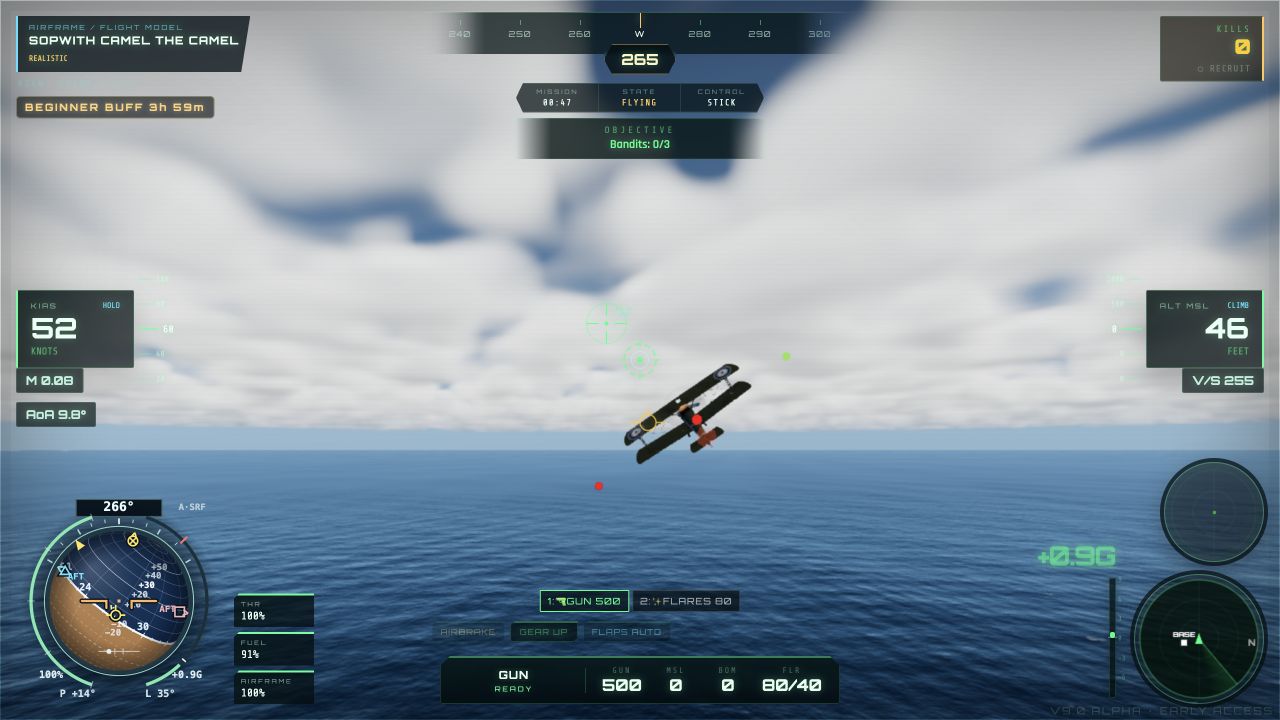
Take the controls in Sean’s independently developed 3D flight game. Explore flight, aircraft and carrier operations in the current V9.0 Alpha browser release. This is an evolving personal project with simplified game systems, rather than a certified training simulator.
The game loads after you press Start. No Windows download is required for this browser version. A desktop or laptop with a mouse and keyboard gives the clearest view; touch controls are also available.
Getting started
Choose a mode in the game menu. Open Help and Settings → Flight Controls to review the current controls and switch between Mouse Stick and the legacy Mouse Aim scheme.
| Mouse / arrow keys | Roll and pitch; counter-steer to level the wings |
| W / S | Increase / decrease throttle |
| A / D | Rudder left / right |
| Shift / B / X | Afterburner / airbrake / cruise control |
| H | Center the mouse stick; does not automatically level the aircraft |
| Mouse wheel | Adjust camera distance |
Devices and release status
On touch devices, use the on-screen stick, throttle and action buttons; landscape orientation gives more room. Graphics and performance depend on your browser and device.
The beta channel currently displays V9.0 Alpha — Early Access. Features, aircraft behavior and saved progress may change during development. Use the in-game Help and update log for detailed controls and release notes.
Use “Back to introduction” above the game to exit the session. It reloads when you start again. If you report a problem, include your browser, device and the steps that caused it.